A room visualizer lets a shopper see your product in a photo of their own room before they buy. The right one depends on what your shopper has to judge: how a pattern and color look, whether a size fits, or which options to configure. This guide is a checklist for furniture and rug retailers. It describes the types of tool, the questions that separate them, and how to test them on your own catalog. Vendor details were checked against each vendor's public pages on 4 November 2026.
Imersian makes one of the tools discussed here, so we say where other types fit better. For a head-to-head view, see Imersian vs Roomvo, Imersian vs Cylindo and our comparison hub.
What job do you need a room visualizer to do?
Start from what a product photo cannot tell your shopper. For most furniture and rug stores it is one of three things.
- Look: Will this rug's pattern and color work with my floor and sofa? Shoppers need to see your real product, not a lookalike.
- Fit: Will it fit, and will it sit right next to what I already own? Shoppers need true scale and correct overlap with existing furniture.
- Configuration: Which fabric, finish or module layout do I want? Shoppers need to change options and see the result.
Most tools do one of these well. Write down which matters most for your catalog before you look at any demo.
What types of room visualizer are there?
The types differ in how they understand the shopper's room and in what the shopper sees of your product.
| Type | Examples | Best at | Check before you buy |
|---|---|---|---|
| Surface and materials visualizer | Roomvo, Wizart | Finishing materials such as flooring, tile, paint and wallpaper, and in Roomvo's case showroom and dealer tools | Whether furniture and freestanding products can be placed at all |
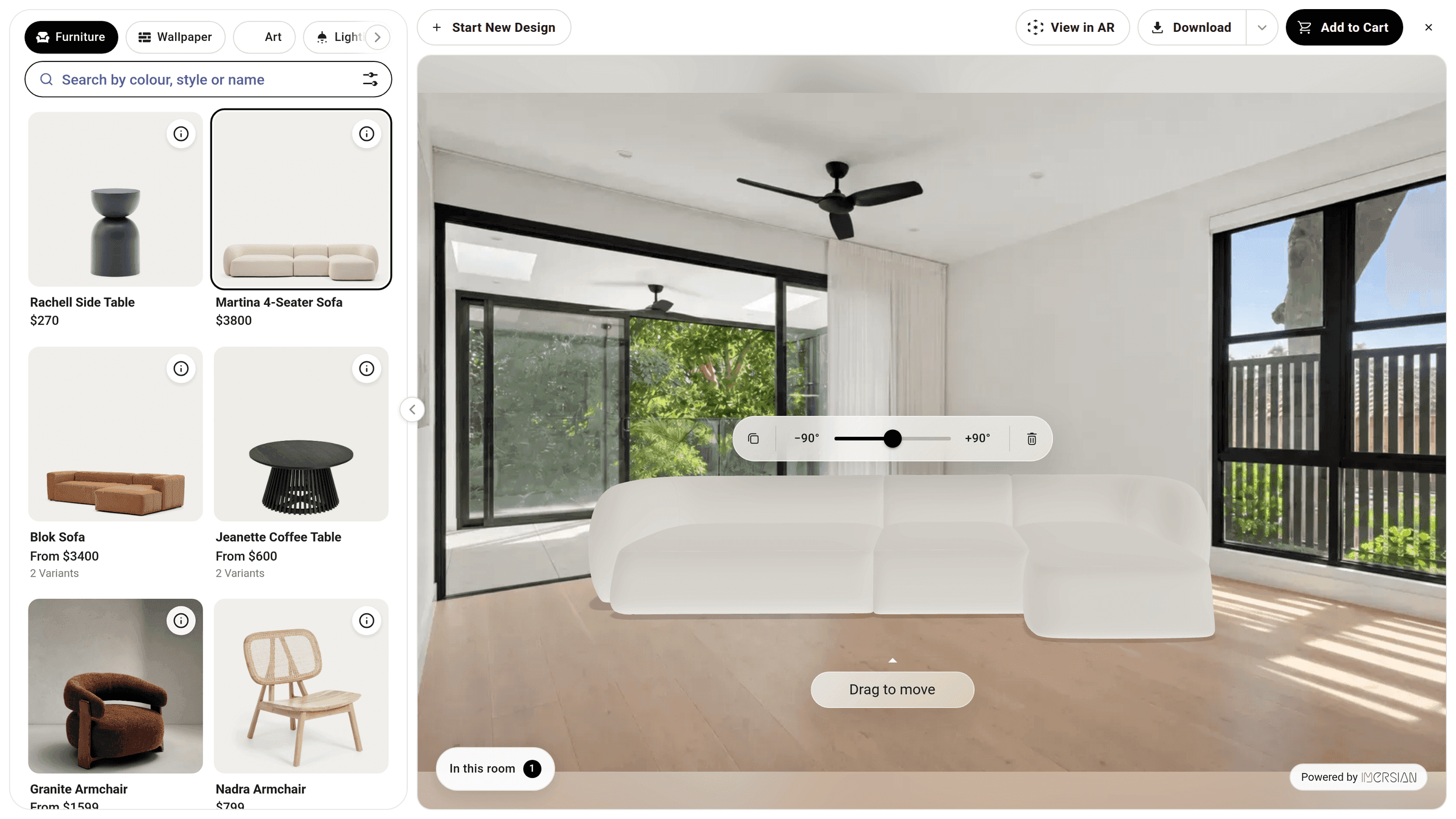
| 3D viewer and configurator with AR | Cylindo, Threekit | One configurable product: fabrics, finishes, modules, and in Threekit's case quotes for manufacturers | A 3D model for every product, and how the in-room view works |
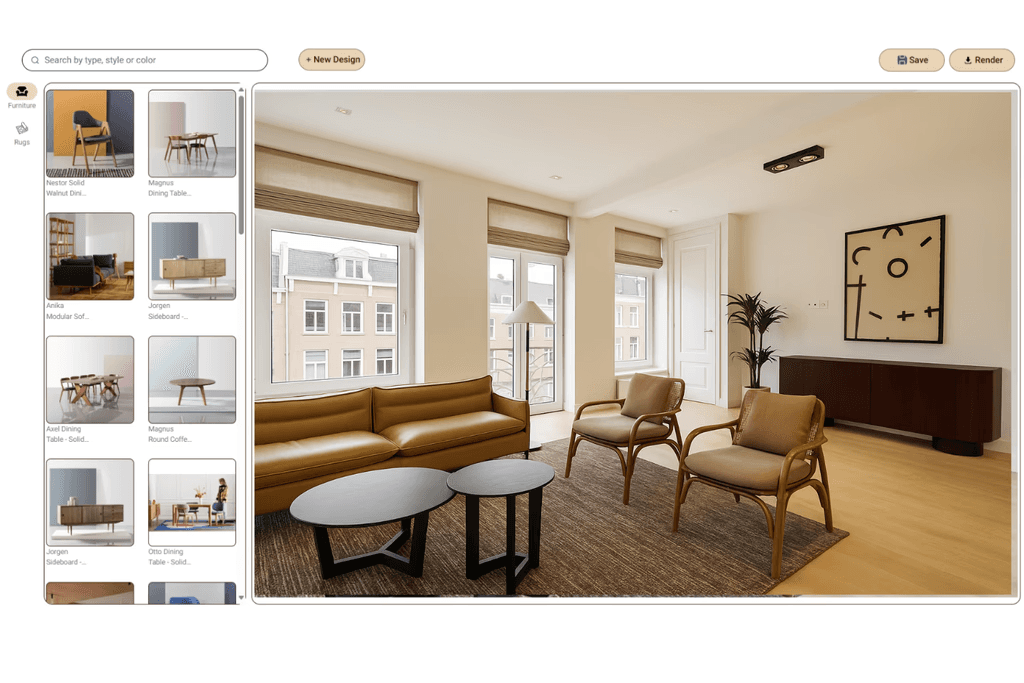
| Geometry-based spatial visualizer | Imersian | Placing real products at true scale in a shopper's own room photo, several at once | 3D models for furniture, and that it is not a configurator or paint tool |
| Generative AI photo visualizer | Several low-cost Shopify apps | A fast, low-cost way to test shopper interest | Each preview is a newly generated image, so check how closely it matches your product |
Which questions should you ask every vendor?
Ask each vendor on your shortlist the same questions, in writing, and compare the answers side by side. A vendor who cannot answer one plainly has told you something.
| Question | Why it matters | What a good answer looks like |
|---|---|---|
| Is the shopper shown my real product? | Pattern and color are what rug and wallpaper shoppers buy | My own image or 3D model is placed, not a regenerated look-alike |
| How is scale set? | Size is the top doubt for rugs, sofas and wall art | From the room's geometry, with a stated limit where it is estimated |
| Can shoppers place several products and change them? | Orders in home decor often hold more than one item | Several products in one room, with move, rotate and swap |
| Does a product overlap correctly with furniture already in the room? | A rug under a sofa or a lamp behind a chair looks wrong if everything is pasted on top | Products sit in front of or behind existing items |
| Does every product need a 3D model, and who makes it? | This sets your upfront effort and catalog cost | Which products need one, how it is made and by whom |
| What is metered, and what happens over the allowance? | The meter decides how the bill grows as shoppers engage | A named unit (render, room upload, quote) and a written over-limit rule |
| How long from signing to live, and who does the setup? | Go-live time varies widely | A range, not a best case, and a named owner for each step |
| How does it install on my platform? | Some tools are an app, some are theme code, some are an API | An install path that matches your platform and your developer time |
| What do I see afterward? | You need to link usage to orders | Sessions, product interactions and conversions in a dashboard |
| Can I see it on my own products before I sign? | Demo catalogs are curated | A test on at least ten of your own products, including the hardest |
Which type fits your catalog?
Rugs. Choose a tool that shows your own product image and sets size from the room. Check that a rug can sit under existing furniture. See how this works for rug retailers.
Furniture. Choose a tool that places your product at true scale next to what the shopper already owns. If your range is built from modules, fabrics and finishes, a 3D configurator such as Cylindo or Threekit handles the options better. See furniture visualization.
Wallpaper. Pattern repeat and scale across a whole wall are the product, so look for a tool that shows your own pattern image on the wall, not a regenerated one. Surface visualizers are built for this. If you want the wallpaper shown behind the furniture you sell, check that a tool places both in the same room. For paint, choose a surface visualizer: Imersian does not offer one.
Flooring, tile and paint. Pattern repeat and coverage matter most. Surface visualizers such as Wizart and Roomvo are built for finishing materials, and Roomvo also covers dealer and showroom channels. If you want the flooring shown alongside the furniture you sell, check that a tool does both. See flooring visualization.
Wall art and lighting. Size relative to the sofa or bed is the usual doubt, so look for placement on walls and ceilings at true scale.
Mixed home decor. If you sell flat products and furniture together, one tool that handles both in the same room saves running two visualizers.

How is room visualizer pricing structured?
Vendors count different things, and the unit matters more than the headline price. Some tools meter each render or visualization, some quote on request after learning your catalog and channels, and some meter the room upload. Under a per-render meter, a shopper who tries six rugs uses six units. Under a room-upload meter, the same shopper uses one.
Public pricing differs by vendor. Roomvo directs visitors to book a demo, and says its Assistant is free for independent retailers. Cylindo and Threekit quote on request. Wizart publishes plans with a monthly render quota. Imersian's plans are on our pricing page. Ask each vendor what happens at the limit: a pause, a per-use charge or a forced upgrade.
Engaged shoppers try a lot. Capel Rugs shoppers spend an average of 6.4 minutes in the visualizer, which is why a meter that charges for every try deserves a hard look.
How should you test a visualizer before you commit?
- Pick the hardest products. Choose ten products: your best sellers, your hardest (patterned, glossy, very large or very small) and one that is awkward to photograph.
- Use messy rooms. Use three real shopper-style room photos: a bright living room, a dim bedroom and a cluttered room with furniture already in it.
- Measure one. Check size against a tape measure in one of the rooms.
- Stress the overlap. Try putting a rug under a sofa, a lamp behind a chair, then move, rotate and swap each product.
- Time the setup. Install on a staging store and time it. Ask who does each step.
- Test on a phone. Check phone and desktop, and look at the page-speed cost before and after.
Where does Imersian fit, and where does it not?
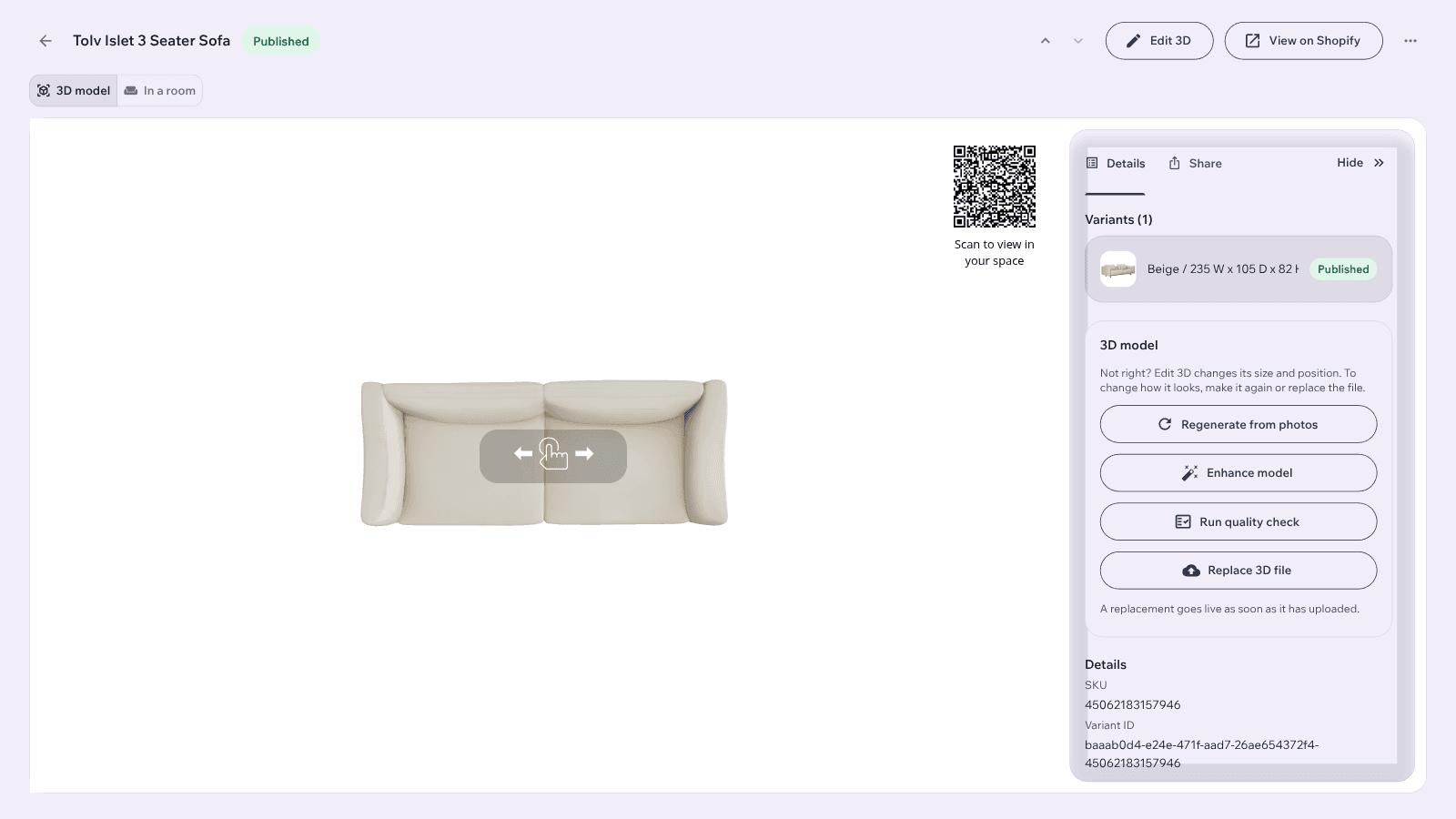
Imersian is a spatial visualizer for online home retailers. Shoppers upload one photo of their room, and your real products are placed in it at true scale, in front of or behind what is already there. Several products can be placed, moved, rotated and swapped, then added to cart together. The Shopify app syncs your products, and the Visualizer goes live within 2 weeks. Every product gets a model built from your existing product photos: rugs, wall art, wallpaper, tiles and flooring are converted free, and furniture and home decor models use credits, made by the AI 3D Creator.
It is not the right pick if you need a configure-price-quote system, a paint visualizer, in-store kiosks, or a dealer network that puts manufacturer catalogs on many retailer sites. Roomvo, Wizart, Cylindo and Threekit are built for parts of that. See the Roomvo comparison for the full picture of the Visualizer.