Flooring
Swap the floor in a room photo to preview timber, tile or carpet across the whole space.
- Whole-room swap
- Texture
- Tone
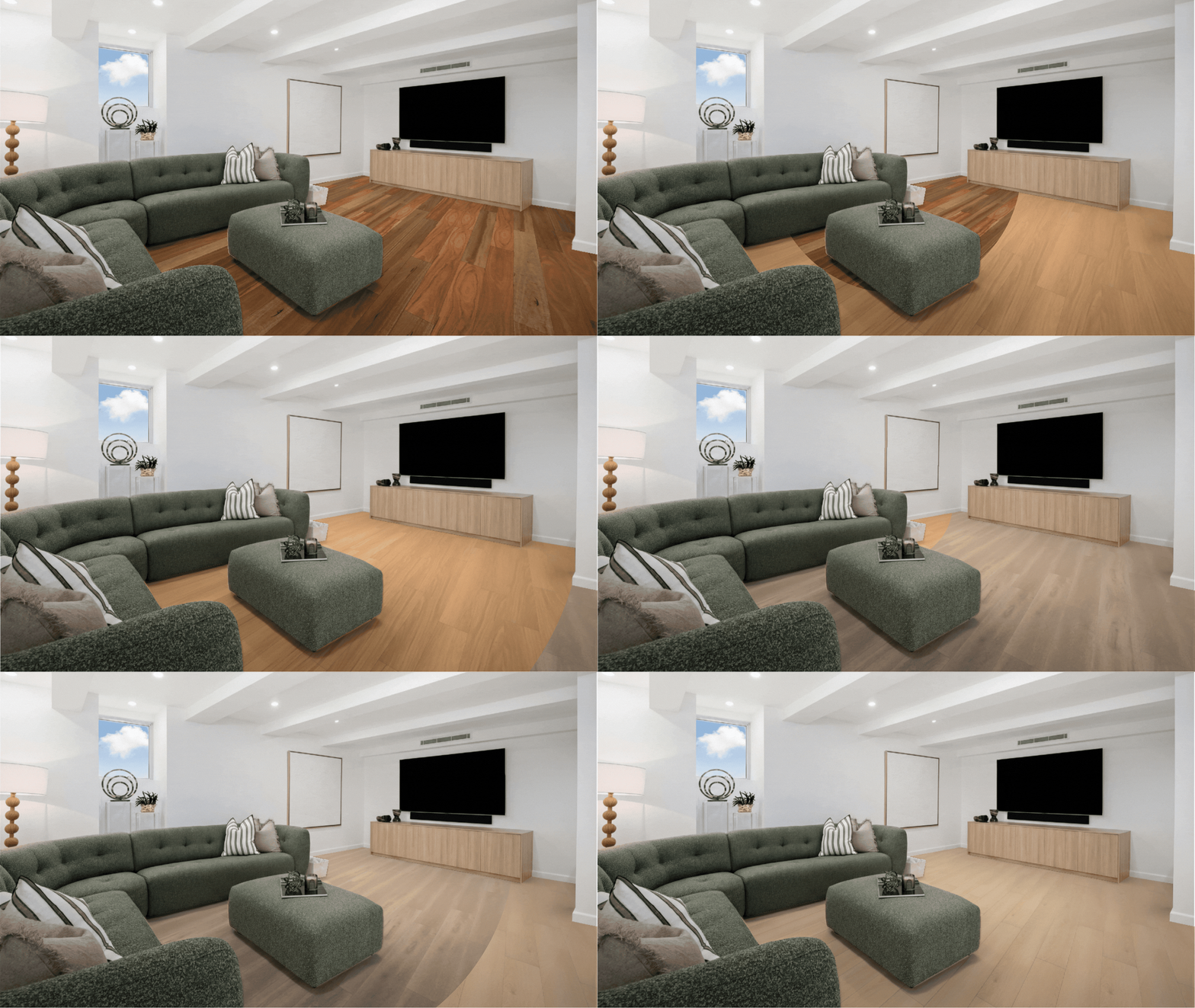
Shoppers upload one photo of their room and see your floor in it, under their own furniture.
Our flooring visualizer lays the new floor under their own furniture.
The finish runs wall to wall in their photo, in the room's perspective.
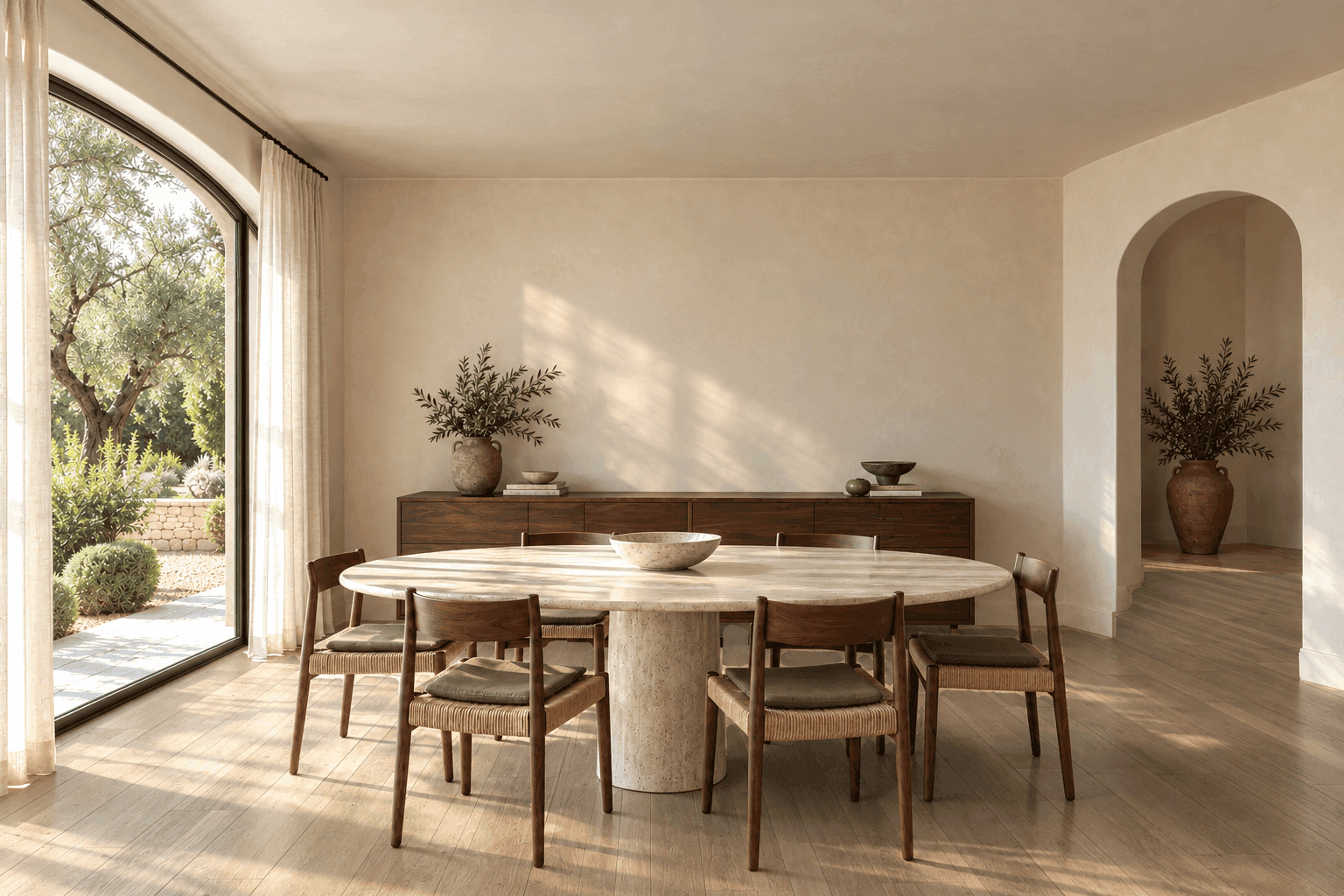
The finish goes under the furniture already in their photo.

Magic Eraser removes the rug or piece they name and rebuilds the floor.
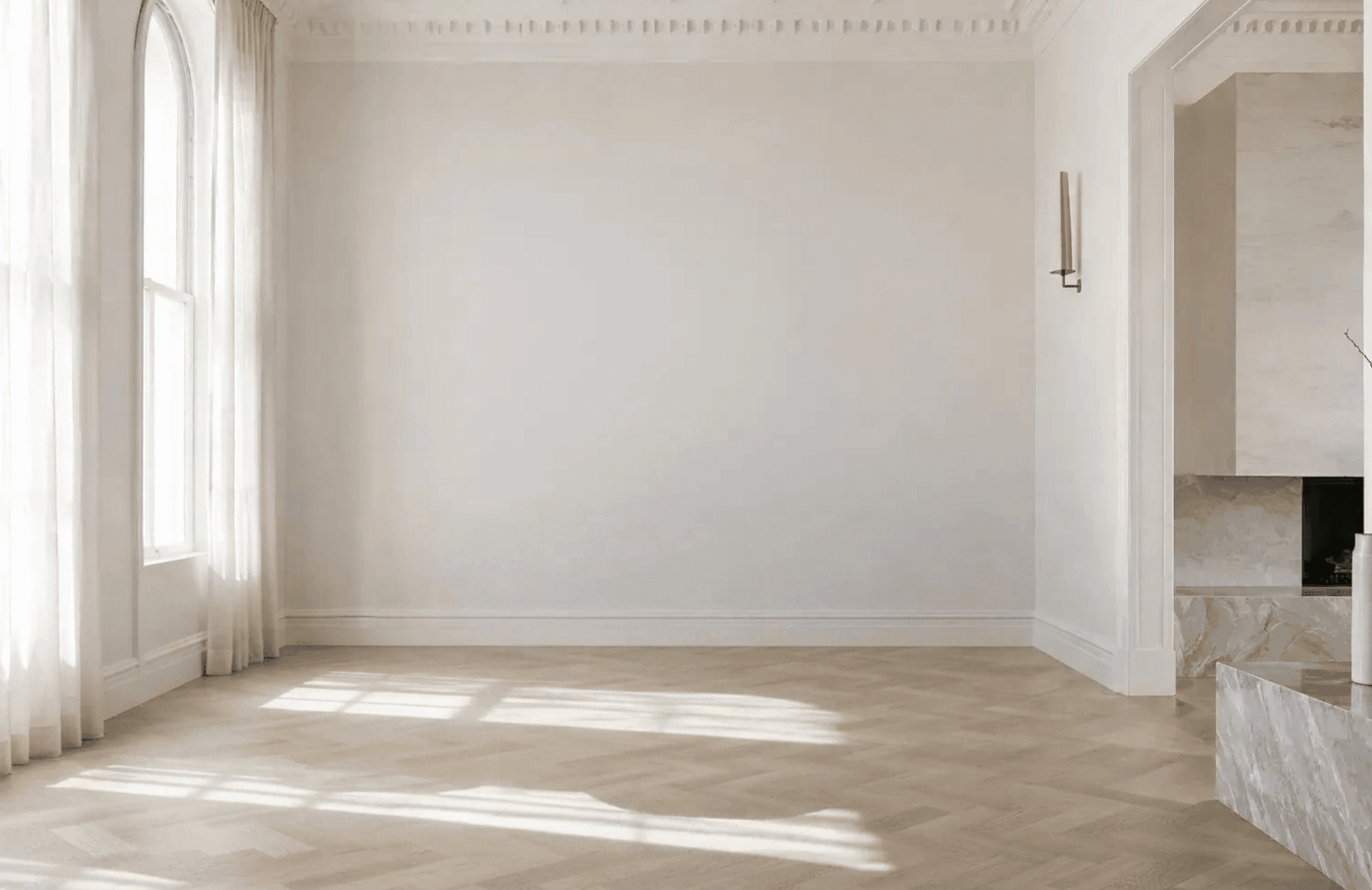
Switch colors, species and formats without reloading.
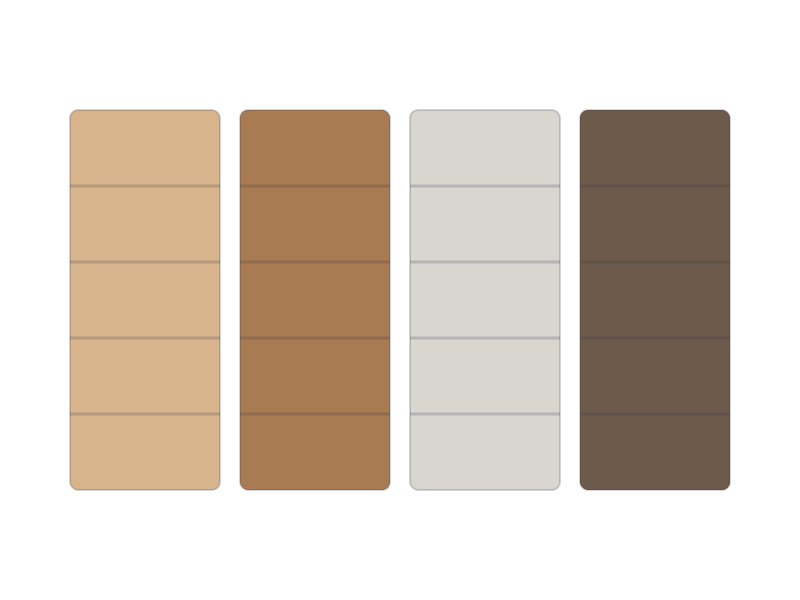
The new finish follows the room's perspective, and what stands on it stays in the picture.
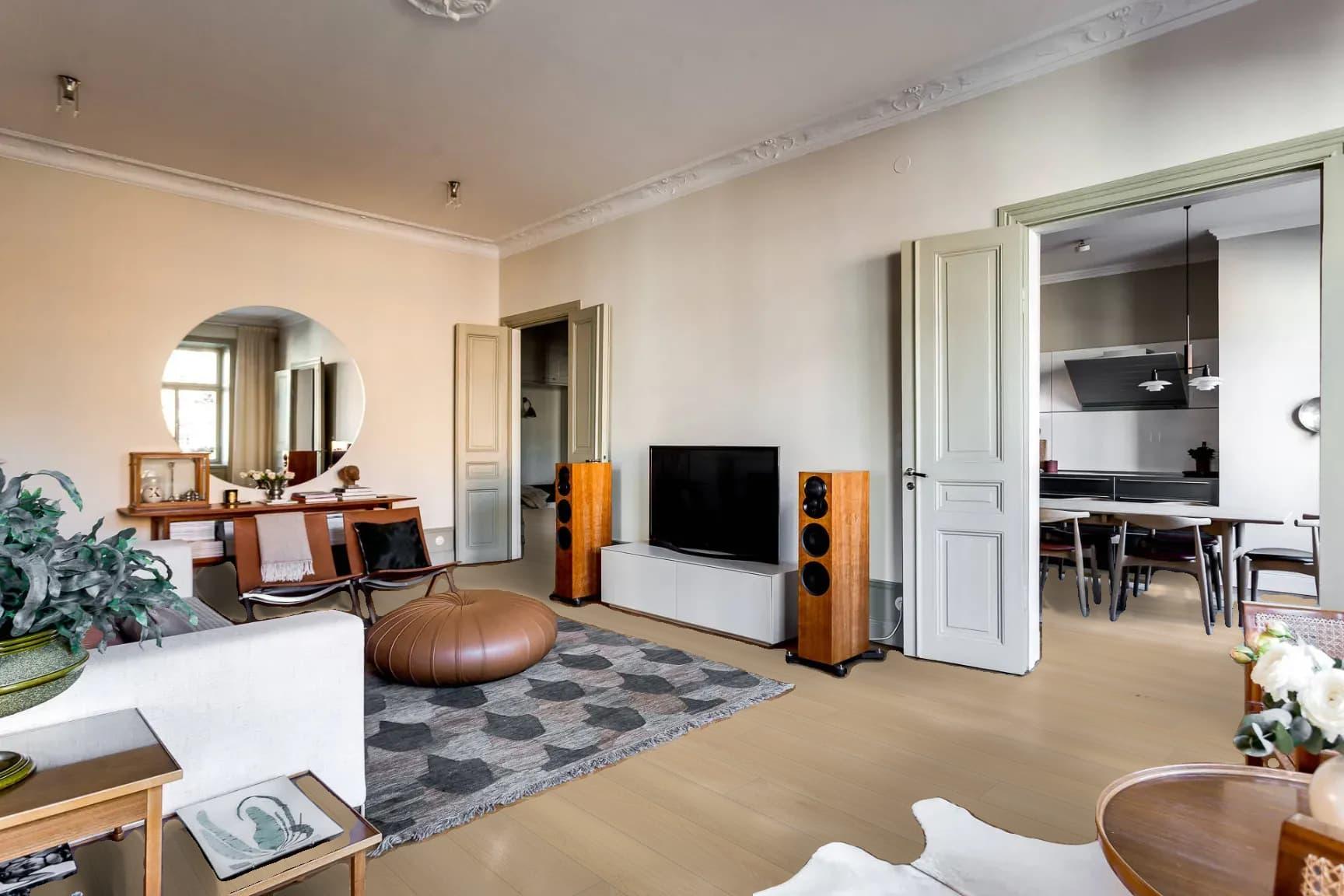 New floor
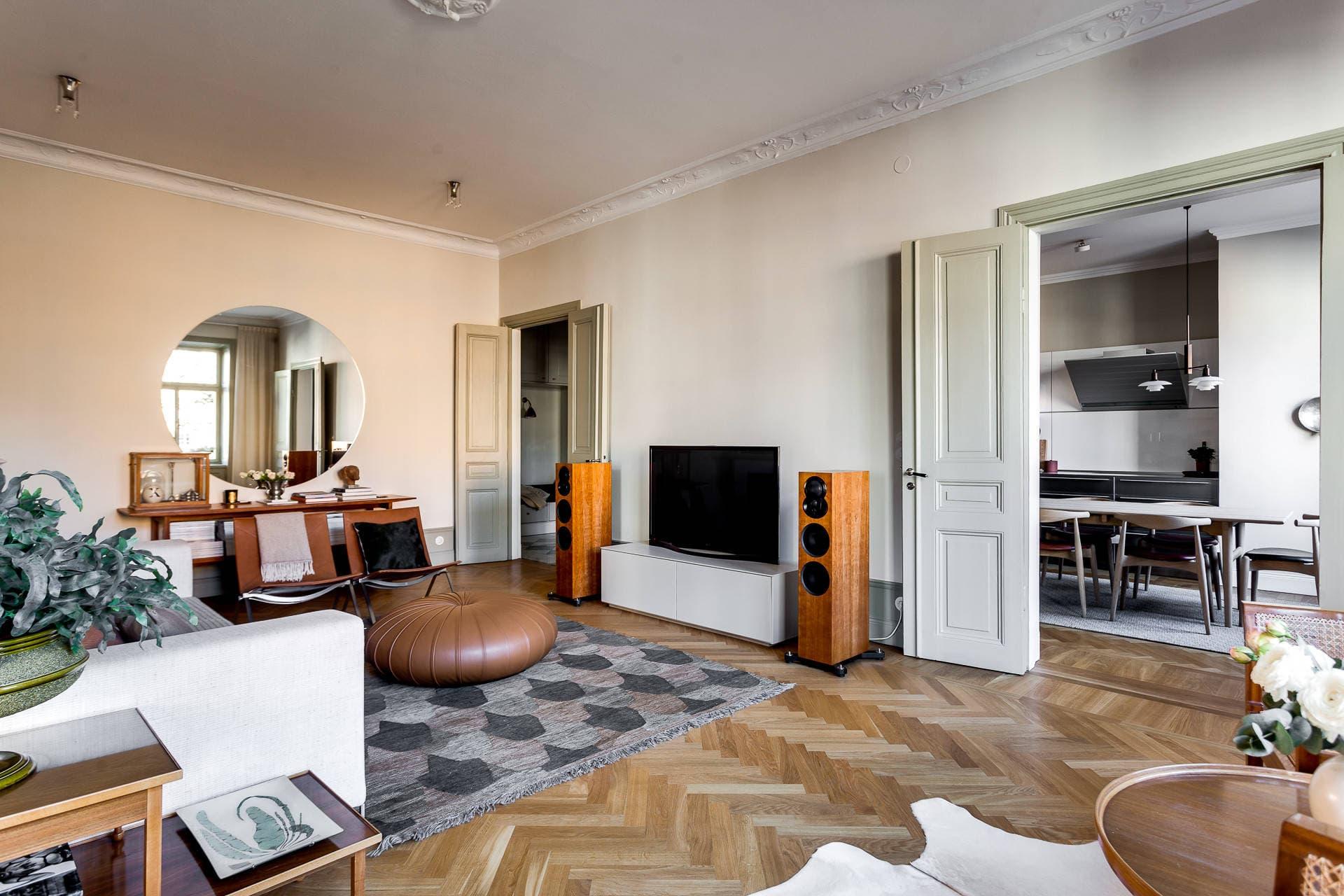 Their photo
Pick a room and swap the floor. The finish follows the room's perspective.
Swap the floor in a room photo to preview timber, tile or carpet across the whole space.
5+ min average Visualizer session across retailers.
Trusted by retailers including
Five things retailers check before they sign.
The floor runs wall to wall in the shopper's own photo.
The finish sits beneath what already stands on the floor.
Models made from the product photography you already have.
Shopify, WooCommerce, BigCommerce and headless.
Retailers go live within 2 weeks, with our team on the install.
The shopper uploads a photo of their room or picks a sample room. Imersian reconstructs the space from that single photo and lays the selected flooring across the floor in the right perspective.
No. It runs in the browser from your product pages, on phones, tablets and desktops.
Hard and soft surfaces from your catalog, such as hardwood, laminate, vinyl, tile and carpet, using your product imagery.
Within 2 weeks once your catalog is connected.
We'll show it working on your own products.