Search...
Uploading your 3D models
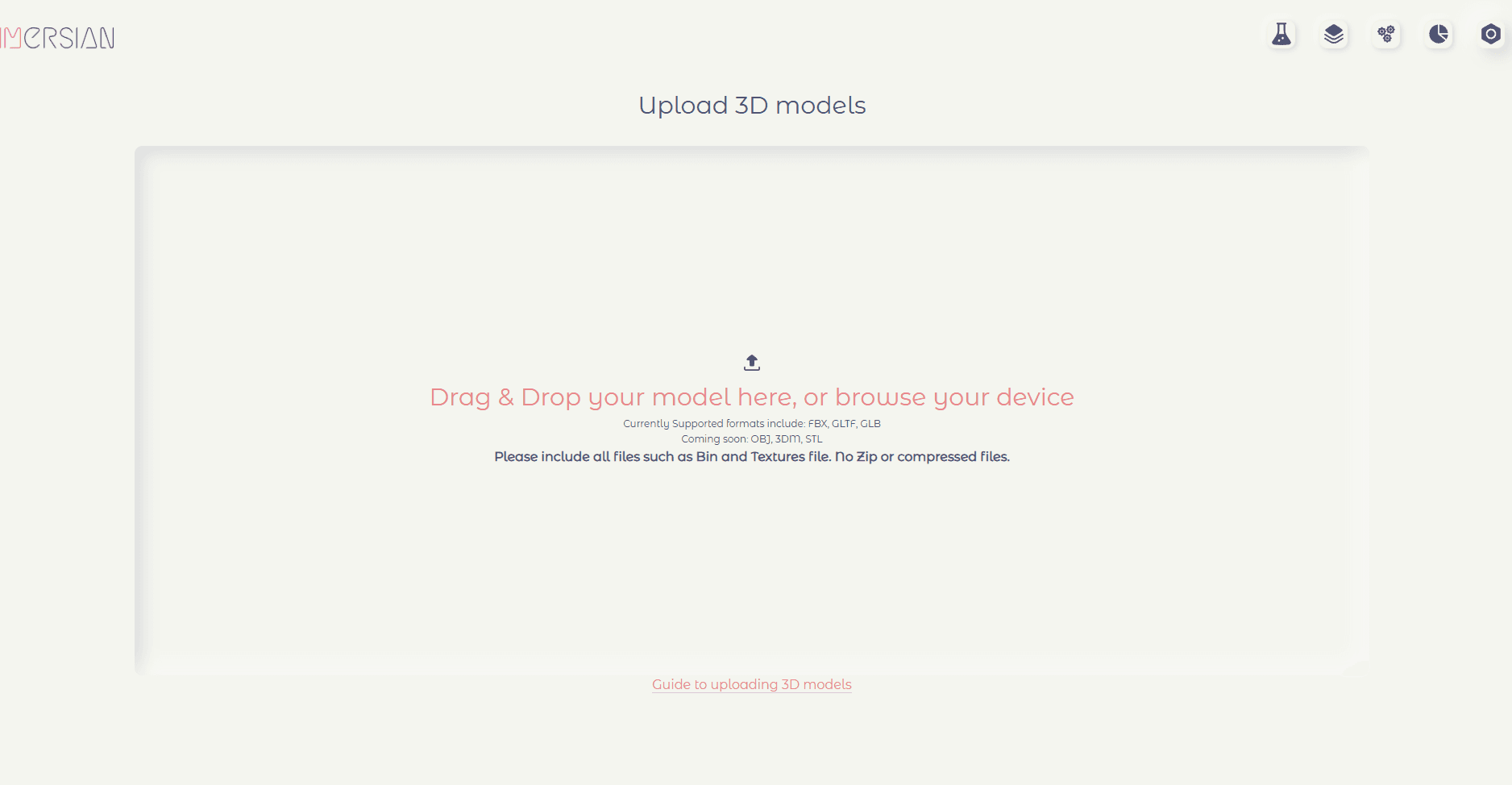
Our portal makes uploading your 3d models is extremely easy, with a simple drag and drop feature to upload files from your device.
File Types
Our portal currently supports
GLTF (recommended)
GLB
FBX
Most 3D software natively support FBX exports and are increasingly supporting GLTF as well.
Recommended open-source & free 3rd party GLTF exporters for all major software packages- including 3DS Max, Maya & Rhino can be found in the homepage
📖 Refer to our guide to exporting glTF from software packages
Uploading GLTF files
glTF is a royalty-free specification for the efficient transmission and loading of 3D scenes and models by engines and applications.
glTF minimizes the size of 3D assets, and the runtime processing needed to unpack and use them. glTF defines an extensible, publishing format that streamlines authoring workflows and interactive services by enabling the interoperable use of 3D content across the industry. (source)
There are 2 kinds of GLTF options.
GLTF TEXT
GLTF text exports
GLTF file (eg. model.gltf)
BIN file (eg. model.bin)
Texture Files if available(png, jpeg, bmp)
📢 When uploading gltf text files with separate bin and texture files, ensure that you upload ALL the linked files to prevent errors and missing textures
Using this file format is recommended as it helps optimise file sizes, especially when working with variants.
GLTF BINARY/GLB
GLTF binary files export a single gltf file (either with .gltf or GLB)
Uploading FBX
📢 When uploading FBX files, make sure you have included all the texture files. Otherwise, the uploaded model will not contain the textures
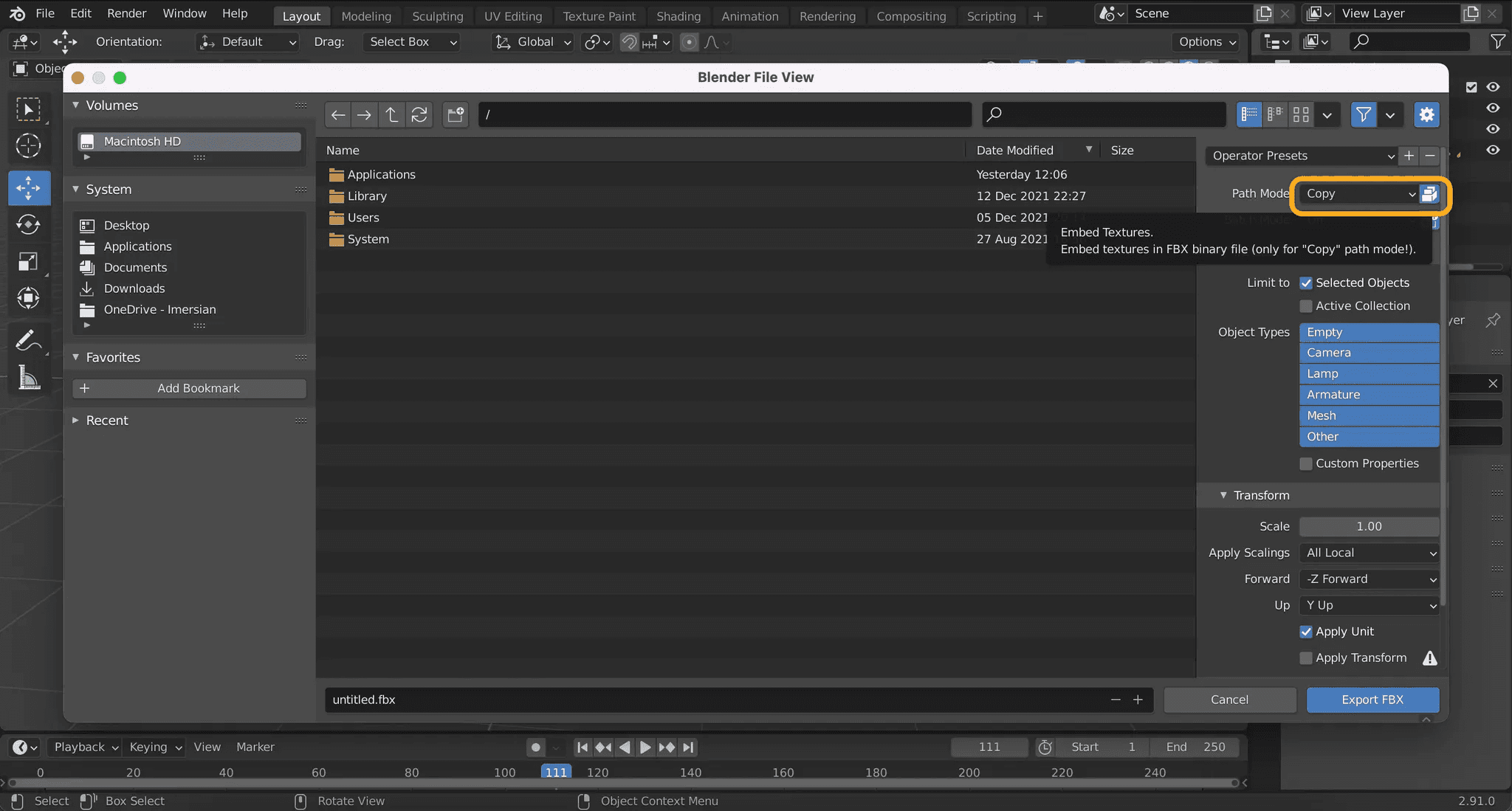
Export FBX in Blender
Select path mode to “Copy” and click the “Embed textures option”. Please refer to the below image